
Why Australian Businesses Are Replacing Generic Chatbots With AI Employees (And How It Actually Works)

The chatbot problem Australian businesses already know
If your business has tried a chatbot in the last few years, you probably already know how this story ends. You set it up, connected it to your FAQ page, maybe added a few canned responses — and for about two weeks, it felt like progress. Then your customers started asking questions the bot couldn’t answer. Your staff started ignoring it. And eventually, every conversation still ended with “I’ll transfer you to someone who can help.”
This isn’t a failure of execution. It’s a fundamental limitation of how those tools were built.
Generic chatbots — the kind you deploy in an afternoon from a SaaS platform — are designed to answer questions from a fixed knowledge base. They don’t know your pricing structure unless you type it in manually. They can’t check whether a client’s invoice is overdue in Xero. They have no idea what your IT team’s escalation policy says in that SharePoint doc from 2022. They’re static, disconnected, and structurally incapable of doing anything useful beyond surface-level FAQ lookups.
According to Capgemini, 82% of organisations are planning to integrate AI agents into their operations within the next one to three years. The businesses leading that shift aren’t buying better chatbots — they’re investing in AI development services Australia that build something fundamentally different: AI that’s wired directly into the systems your business already runs on.
What an AI employee actually looks like inside a real Australian business
An AI employee isn’t a chat widget. It’s not a smarter FAQ bot. It’s a purpose-built agent that has read-access (and in some cases, write-access) to your actual business data — your Active Directory, your accounting software, your website analytics, your internal documents — and can reason across that data to get things done.
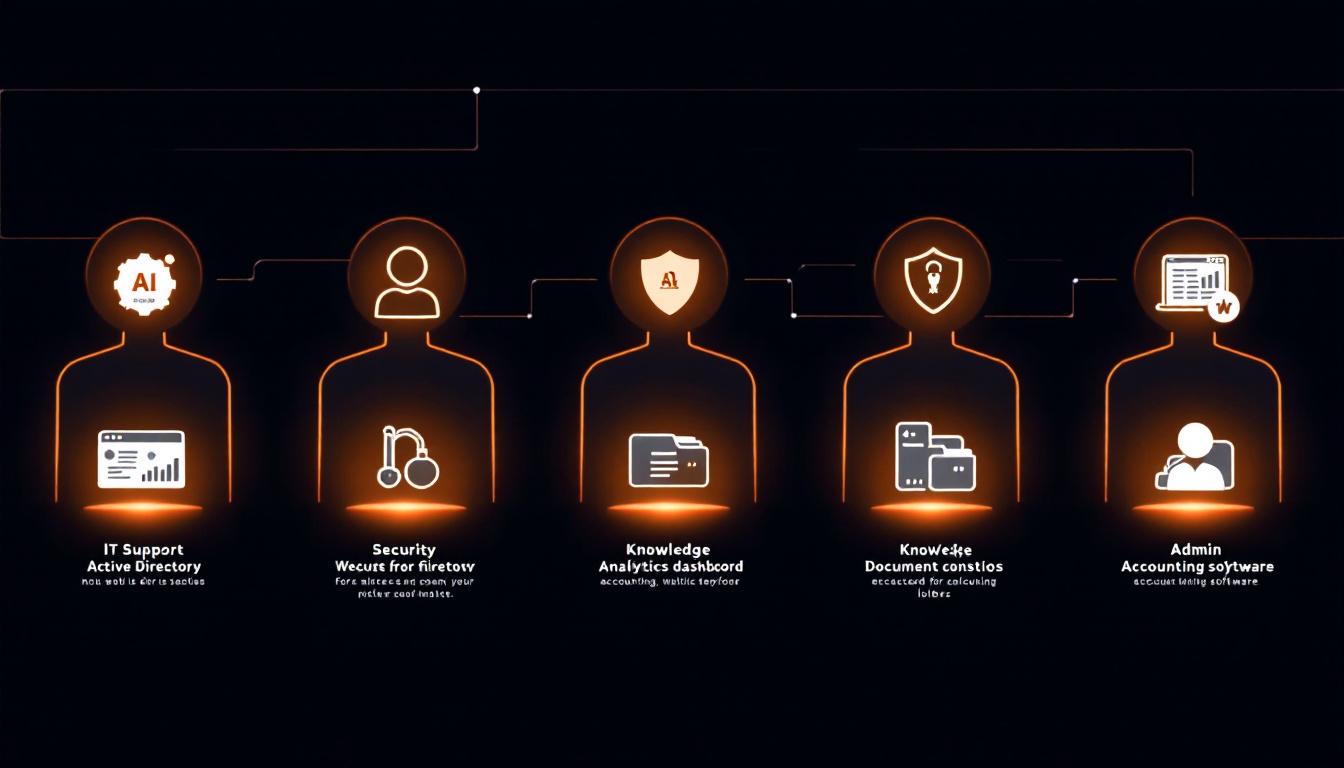
Here’s what that looks like across five real roles:
1. IT Support Agent
This agent connects to your Active Directory or Azure AD, device management platform, VPN logs, and helpdesk ticketing system. When a staff member in your Sydney office @mentions it in Teams or Slack at 8am because they’re locked out, it walks them through a verified password reset without logging a ticket or waiting for the IT team to start their day.
Beyond access issues, it can diagnose device problems by cross-referencing event logs, guide staff through approved software installation procedures, and triage network faults before escalating to a human. For a 50-person business where IT support gets interrupted constantly throughout the day, this agent alone recovers hours each week — not from automation theater, but from actually resolving the things that were eating up time.
2. Security Agent
This agent sits across your firewall logs, Windows Event Logs, and login records. It’s not a SIEM replacement — it’s an analyst that works in natural language and surfaces what matters.
Practical example: a staff member’s credentials are used to log in from an overseas IP at 3am AEST. The Security Agent flags it immediately, cross-checks it against recent travel records or VPN usage, and sends an alert to your IT manager before anyone’s even at their desk. It also runs regular Essential Eight compliance scans and generates plain-English reports rather than raw log dumps — which is what most businesses actually need to stay on top of their security posture without hiring a dedicated analyst.
3. Website Agent
Connected to your WordPress or Shopify backend, Google Analytics 4, Google Ads account, and server logs, this agent monitors your digital properties the way a junior digital team member would — except it never sleeps and doesn’t need to be asked.
When your site goes down at 2am on a Saturday, it detects the uptime failure, cross-references server error logs, and sends an alert with context. When your Google Ads spend spikes without a corresponding conversion lift, it flags the anomaly and surfaces possible causes. For Sydney businesses investing heavily in full-stack digital marketing, this kind of always-on monitoring catches problems before they turn into wasted budget or lost revenue.
4. Knowledge Agent
Every business over about 20 people has the same problem: institutional knowledge lives in documents no one can find, in the heads of people who are busy, or in email threads from three years ago.
The Knowledge Agent connects to your SharePoint or Google Drive and indexes your actual internal documentation — HR policies, onboarding guides, process manuals, compliance checklists. When a new employee asks “what’s our overtime approval process?” or a manager needs to check the company’s data retention policy, they get a direct answer sourced from the relevant document, with a link to the source. No more “ask Claire, she’ll know.”
5. Admin Agent
This agent connects to Xero or MYOB, your calendar, and your email. It doesn’t replace your operations manager — it handles the repetitive administrative work that drains them.
Monthly reporting? It drafts the report from your actual financial data, pulls in relevant metrics, and presents it for review rather than starting from scratch. Meeting follow-ups? It reads the transcript, pulls out action items, and sends reminders. Renewal deadlines? It monitors your subscriptions and contracts and surfaces upcoming dates before they become problems.
How it connects to your existing systems — without replacing them
One of the most common concerns we hear from business owners in Sydney and Melbourne is: “Do we have to rebuild our entire tech stack for this?” The answer is no.
AI employees are built to integrate with the tools you already use. If your team works in Microsoft Teams, the agent surfaces there. If you’re running Slack, same deal. Your Shopify store, your Xero account, your Outlook calendar — these are all connectable without migrating data or replacing platforms.
The integration layer is what separates a genuine AI development services Australia engagement from off-the-shelf software. It’s not drag-and-drop. A proper build involves understanding your data structure, your access controls, your security requirements, and mapping those to what the agent actually needs to do its job. That work takes weeks, not months — but it does require real technical scoping.
On-premises deployment is available for regulated industries. Professional services firms, healthcare operators, and financial services businesses often have legitimate concerns about data sovereignty — particularly around where client data is processed and stored. An on-prem deployment means the agent runs inside your own infrastructure. Data doesn’t leave your network. Processing happens locally. This is a material differentiator for businesses operating under Australian Privacy Act obligations or industry-specific compliance requirements, and it’s something generic SaaS chatbot platforms simply can’t offer.
What this costs compared to hiring — and how to think about the numbers
We’re not going to publish a price list here, because every deployment is scoped differently based on what systems you’re connecting and what the agent needs to do. But there’s a comparison worth making.
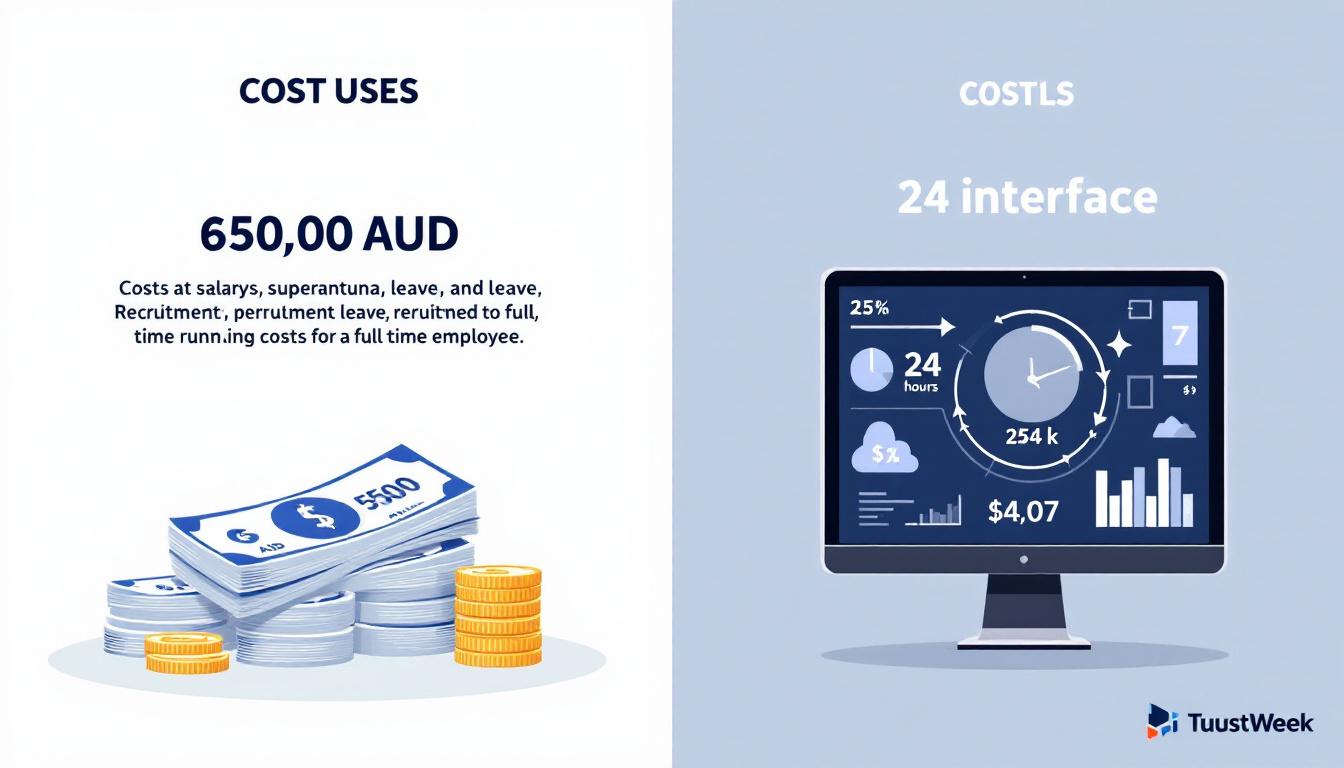
A full-time administrative or IT support employee in Sydney costs somewhere in the range of $65,000 AUD per year in base salary alone, before super, leave, recruitment, and training. That person works roughly 40 hours a week, takes sick days, needs onboarding, and will eventually leave.
An AI employee works 24 hours a day, 7 days a week, and doesn’t require a two-week notice period. It handles volume that would require multiple headcounts during peak periods. It doesn’t make different decisions on a Friday afternoon than it does on a Monday morning.
That doesn’t mean AI employees replace people — for most businesses, the right model is AI handling the high-volume, repetitive, time-sensitive work so your actual staff can focus on the decisions that require judgment. But it does mean the economics look different from a typical software subscription.
The practical starting point for most businesses is a single agent. You’re not committing to a full AI transformation — you’re scoping one focused deployment, proving value, and expanding from there. Many businesses start with an IT Support Agent or Knowledge Agent because the ROI is fast and measurable: fewer IT tickets, faster onboarding, less time spent answering internal questions.
Who this works for — and who it doesn’t
It works well for:
Businesses with 10 to 200 employees who already have some digital infrastructure in place. If you’re running Microsoft 365 or Google Workspace, if you’ve got an accounting platform, if your team uses Slack or Teams — you already have the connective tissue an AI agent needs to be useful. Professional services firms, technology companies, e-commerce operators, and managed service providers in Sydney, Melbourne, and Brisbane are the kinds of organisations where we see the most immediate return.
It also works well when you have clearly repetitive internal work — the same ten IT questions every month, the same monthly report format, the same policy questions from new starters. The higher the volume of predictable, structured work, the faster an AI agent pays for itself.
It doesn’t work well when:
You’re operating without meaningful digital infrastructure. If your records are still paper-based, if your team doesn’t use a consistent set of digital tools, if there’s no source of truth the agent can connect to — the integration layer has nothing to work with. You’d be building the foundation before you can build the agent, and that’s a different kind of project.
It also doesn’t replace work that requires physical presence or purely human judgment in high-stakes contexts. An AI agent won’t walk the factory floor, and it shouldn’t be making unreviewed credit decisions on behalf of a lender. The sweet spot is the high-volume, structured, data-connected work that doesn’t need to be done by a person but is currently being done by one anyway.
Frequently asked questions about AI employees for Australian businesses
How long does it take to deploy an AI employee?
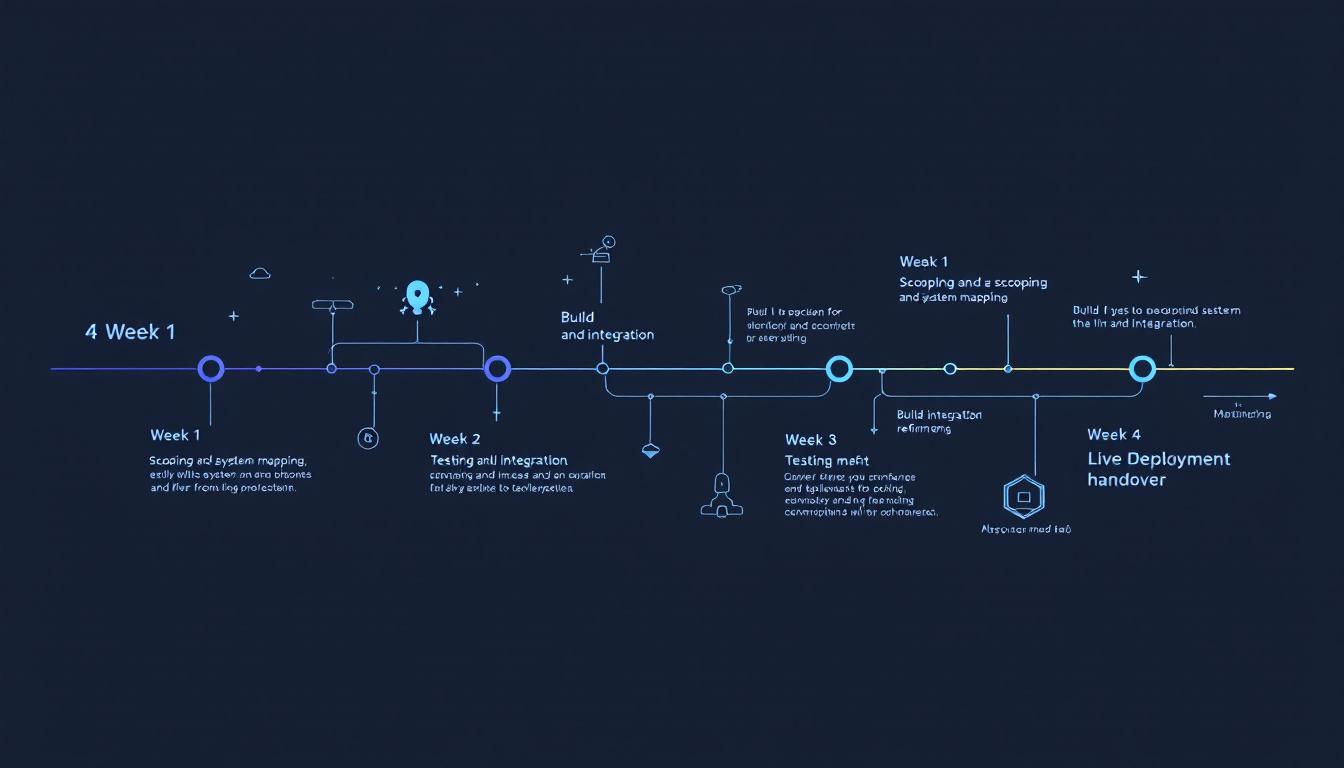
A focused single-agent deployment typically takes two to four weeks from initial scoping to go-live. More complex multi-agent builds with custom integrations may take six to eight weeks, but you’ll see functional prototypes within the first fortnight.
Do AI employees work with Australian data privacy requirements?
Yes. On-premises deployment options mean your data never leaves your infrastructure. For cloud deployments, data processing can be restricted to Australian-hosted servers. This is particularly relevant for businesses operating under the Australian Privacy Act or industry-specific compliance frameworks like APRA’s CPS 234.
Can an AI employee replace my existing staff?
That’s not the goal. AI employees handle high-volume, repetitive, time-sensitive tasks so your human staff can focus on work that requires judgment, creativity, and relationship-building. Most businesses see AI employees as force multipliers, not replacements.
What happens when the AI employee encounters something it can’t handle?
It escalates to a human. Every agent is built with defined escalation paths — if a query falls outside its scope or confidence threshold, it routes to the appropriate person with full context of the conversation so far. No dead ends.
Do I need to change my existing software to use AI employees?
No. AI employees integrate with your current tools — Microsoft 365, Google Workspace, Xero, Shopify, Slack, Teams, and more. The integration is built around your existing stack, not the other way around.
How to start without a six-month project
The mistake most businesses make when they start investigating AI is trying to solve everything at once. A comprehensive AI transformation is real, but it’s not where you start.
Pick one agent. Define one scope. Deploy it in two to four weeks.
For most businesses, the IT Support Agent or Knowledge Agent is the right entry point. The IT Support Agent has clear, measurable value (ticket volume, resolution time), connects to systems most businesses already have (Azure AD, Teams), and operates in a channel your staff already uses. The Knowledge Agent solves a problem every business over 20 people has and doesn’t require complex write-access integrations to deliver immediate value.
The build process at HornTech starts with a scoping session to map your existing systems, define the agent’s role, and establish what good looks like before a line of code is written. From there, deployment typically runs two to four weeks for a focused single-agent build.
If you want to understand what this looks like for your specific business, get in touch with the HornTech team — we scope custom AI deployments for Australian businesses and can tell you quickly whether a given use case is a week of work or three months.
Related HornTech services: AI Development Services
Keep reading: AI for Sydney SMEs in 2026: 14 Questions Every Owner Asks Before Spending a Dollar · Custom AI Development Sydney: 7-Step Business Guide 2026